


Have you ever noticed how some restaurants run smoothly even on the busiest evenings? Many places deal with problems like double bookings and messy waitlists that leave staff stressed and guests unsatisfied. Digital reservation systems step in to help. They match online bookings with real-time table updates, cutting down on mistakes and keeping the dining room flowing. This smart software makes day-to-day work simpler and turns a meal out into a better experience for everyone.
restaurant table reservation software Boosts Dining Flow
Small venues and chain restaurants often find booking reservations to be a big headache. Relying on phone calls, handwritten logs, or manual updates can lead to mistakes like double bookings and missed reservations. Picture a busy Friday night when a host gets overwhelmed by calls and ends up with overlapping reservations. These problems not only stress out staff but also hurt the overall dining experience.
Digital reservation systems help clear up these issues by automating everyday tasks. This type of software connects online bookings with real-time table availability and manages waitlists, table assignments, and guest messaging all in one place. It cuts down on errors by lowering manual entry mistakes and reducing no-shows with features like automatic confirmations and deposit options. For example, one restaurant merged its online bookings with management software to link orders, inventory tracking, and table management. This setup lets staff prepare quickly for a rush while keeping communication simple and seating plans clear.
By centralizing operations with smart seating suggestions, restaurants can run more smoothly and make guests feel truly valued. Digital systems adjust to busy periods as they happen, ensuring every table is used efficiently. The benefits are clear: less stress for front-of-house staff, better use of resources, and an enhanced dining experience that boosts overall satisfaction.
Key features to evaluate in a restaurant reservation management system
Picking the right reservation system can change everyday operations by cutting down mistakes and smoothing out guest management. A good system should let tables be booked automatically without relying on old paper logs or phone calls. Did you know that many restaurants lose up to 20% of potential revenue because double bookings and mismanaged waitlists are common with manual reservations? With the right features, these problems disappear quickly.
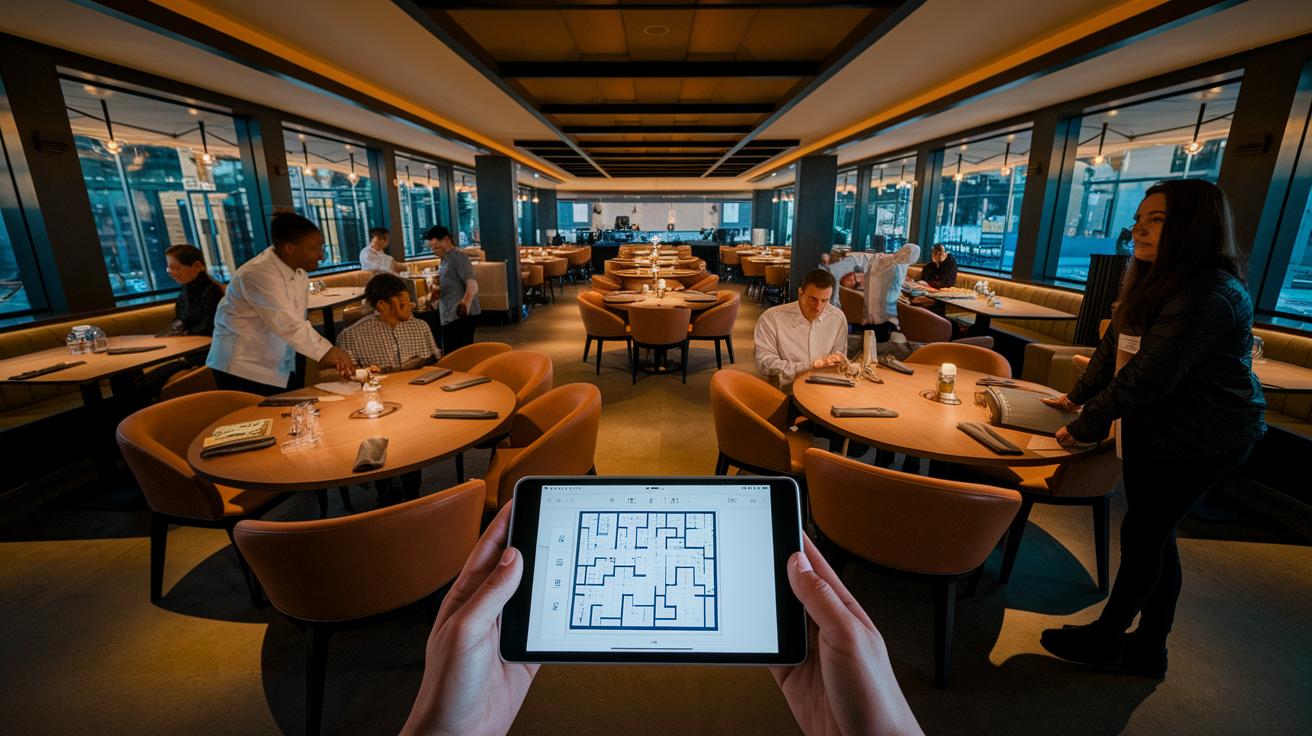
Top systems pack in useful tools. For example, a floor plan editor lets you see seating options at a glance, and real-time updates show which tables are free right away. They also save guest profiles, keeping a record of past dining experiences, and adjust waitlists automatically during the rush. Plus, options for deposits or ticketing secure bookings ahead of time, and clear analytics dashboards give insights into reservation patterns. All these features work together to cut down on no-shows and make the most of every table.
Matching the system's features to the size and style of a restaurant is crucial. A small venue may only need a simple booking interface and basic reports. In contrast, larger spots can benefit from deeper analytics and better integration with their point-of-sale system. When features align with a restaurant's needs, every booking becomes a chance to boost efficiency and create a better guest experience.
Comparing pricing models in cloud-based dining reservations
Clear pricing makes managing a restaurant’s budget simple. Digital reservation systems streamline table bookings while using different pricing plans that affect your monthly costs. Knowing if you’re paying a flat fee or getting charged per cover lets you plan wisely, especially when business picks up.
TouchBistro charges one predictable monthly fee with no extra per cover cost, a straightforward approach that makes budgeting easier. Resy offers a base subscription with additional fees for extra features. Tock uses a tiered plan plus a 2% fee on prepaid reservations, which works well if you need both reservation and ticketing options. OpenTable gives you a choice: either pay $39 monthly plus per-cover network fees or opt for a $49 flat fee with a 2% takeout service fee. Yelp Guest Manager starts at $129 per month for a Basic package that covers up to 500 guests, going up to $299 monthly for a complete feature set.
Choosing the right plan depends on how busy your restaurant is and your style of operation. Busy spots might prefer a per-cover or hybrid approach, while smaller venues could benefit from a fixed monthly fee. Assess your expected booking volume and feature needs to find the best fit for your dining reservation system.
How integration and scalability enhance a restaurant booking software
Today, digital reservation systems come with built-in integration tools that connect everyday tasks. For example, TouchBistro links directly with its point-of-sale (POS) system to match orders and payments, cutting down on mistakes and speeding up service. Other platforms like OpenTable work with customer relationship management (CRM) and email marketing tools to keep guest profiles updated in real time. This creates a smooth journey from booking to dining. These systems can also connect with online ordering and kitchen display setups through restaurant ordering software (https://matpple.com?p=). Centralizing data in real time puts table management, guest updates, and inventory tracking all in one spot, making automation both efficient and flexible when demand changes fast.
APIs in these systems let you create custom workflows that simplify managing several venues at once. For instance, SevenRooms brings together bookings with marketing and POS data, while Restaurant365 links reservations with accounting and staff scheduling. Integrating APIs for reservations makes it easier to handle multi-location setups by unifying data across sites. This kind of automation paves the way for custom upgrades and unique setups, helping businesses stay nimble as they grow.
Best Practices for API Integration
- Define data endpoints clearly
- Implement secure authentication
- Validate real-time sync
Top restaurant table reservation software solutions reviewed
Restaurant table reservation software changes the way eateries manage bookings by simplifying tasks and making guest experiences better. Restaurant owners can choose from many booking systems designed to fit a range of restaurant types and service styles. Each option offers its own set of tools. Some provide payment integration with point-of-sale systems, while others offer monthly or free plans. Extra features, like handling deposits or event tickets, are also part of the mix. These systems help cut down on mistakes, keep waitlists under control, and make sure reservations run smoothly even on busy nights.
| Software | Best For | Pricing | Key Strength |
|---|---|---|---|
| TouchBistro | Independent & chain restaurants | Flat monthly fee | POS-integrated reservations with waitlist |
| Resy | Multi-unit operators & urban spots | Subscription-based | Advanced reporting and multi-location support |
| Eat App | Small venues & new restaurants | Free plan up to 30 covers | Ease of use, 4.5/5 rating |
| Tock | Fine dining & event-driven venues | Tiered pricing + transaction fee | Deposit and ticketing model |
| OpenTable | High-volume restaurants | Monthly fee + per-cover fees | Extensive diner network and marketing support |
| Yelp Guest Manager | Mobile-centric restaurants | $129–$299/month | Strong mobile booking and reputation management |
When you compare these systems, you can find the one that fits your restaurant best. Whether you appreciate the simple flat fee of TouchBistro or the broad network and marketing perks of OpenTable, each platform brings its own strengths to make reservations more efficient and boost your dining room flow.
Final Words
In the action, the article outlined how modern systems tackle booking mix-ups, streamline table management, and boost guest satisfaction. It broke down essential features, pricing models, and integration tips that match various restaurant sizes and styles.
These insights show that smart restaurant table reservation software can drive smoother operations and better dining experiences. Embracing these tools leads to more efficient bookings and keeps the underlying charm of the dining experience safe and thriving.
FAQ
How can I access a free version of restaurant table reservation software?
The restaurant table reservation software free version or download option allows restaurants to try basic booking features at no cost. Some platforms even offer free plans for small venues.
What is the best reservation system for restaurants, including options for small venues?
The best reservation system for restaurants varies by size and needs. Some platforms like TouchBistro work well for larger operations, while others, such as Eat App, offer free plans for small venues.
How does restaurant reservation system design address booking challenges?
The restaurant reservation system design focuses on a user-friendly interface, real-time availability, automated waitlists, and guest messaging to reduce booking errors and improve overall efficiency.
Where can I find restaurant reservation system projects on GitHub?
Restaurant reservation system projects on GitHub let developers explore open-source code, customize features, and build tailored reservation tools with community support and transparency.
What are the best free table booking system options for restaurants?
Free table booking system options exist for restaurants by offering basic free plans or open-source projects. These options provide essential management tools while allowing low-cost testing of reservation features.
What is the Tock reservation system?
The Tock reservation system uses a deposit or ticketing model, making it ideal for fine dining and events. It helps reduce no-shows and streamlines seating management efficiently.
How does an AI reservation system support restaurant bookings?
An AI reservation system uses automated data analysis to forecast seating needs and adjust waitlists. It helps streamline operations and enhance the guest experience with real-time, smart updates.
What does the OpenTable setup entail?
The OpenTable setup involves configuring an online reservation profile that connects restaurants with a wide diner network. This setup includes integrations for real-time booking and enhanced visibility.