

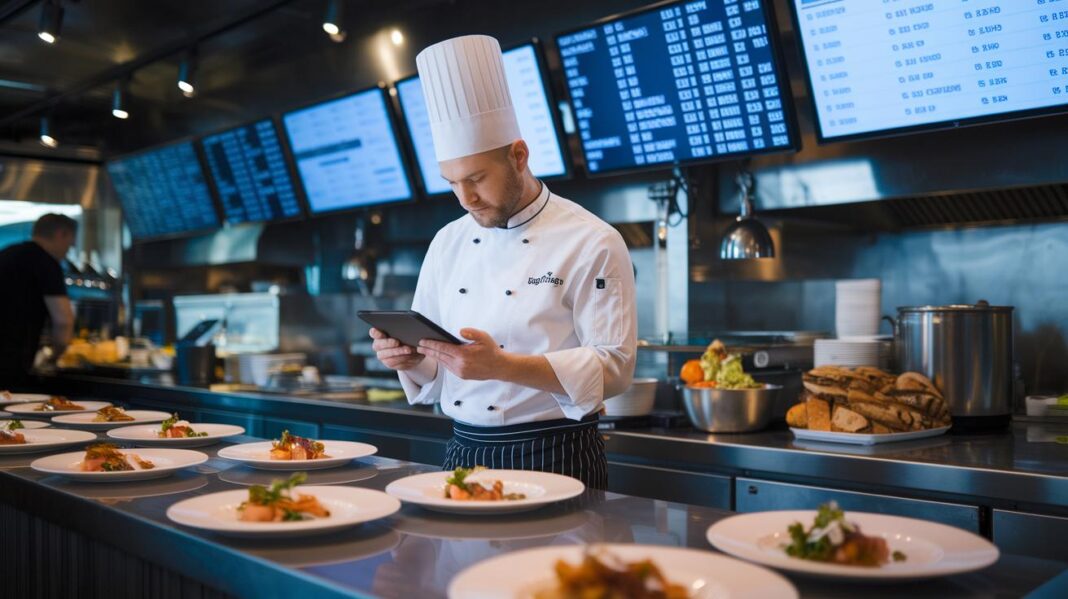

Ever wonder if your restaurant could run nearly perfectly? Imagine a system that speeds up orders, cuts down on mistakes, and puts you in full control without extra fees. Restaurant ordering software connects your cash register, kitchen display, and more in just one day. With faster service and up to 98% accuracy, restaurant owners can serve more diners while keeping them happy. This smart tool shows that good order management not only boosts your earnings but also makes daily work easier.
Restaurant Ordering Software for Streamlined Order Management
Restaurant ordering software is a digital tool that helps restaurants take orders, handle payments, and manage deliveries. Instead of high commission fees, many systems use subscription fees and let restaurants keep their customer data. This means you can run your restaurant smoothly and boost revenue without extra costs.
It connects easily with your existing point-of-sale (the system where you record sales), kitchen screens, and loyalty programs. Some solutions even integrate with over 15 different systems. With guided setup, many providers say you can go live in just 1 day. Automation in order processing often leads to higher bill amounts, better accuracy (up to 98%), and faster service.
- Commission-free ordering
- Branded digital menus
- Real-time order tracking
- 24/7 availability
- Fewer errors and quicker service
All these benefits combine to streamline operations, reduce mistakes, and speed up service. Using an online order management system helps restaurants deliver fast, precise orders while keeping full control over their brand. This efficiency not only makes customers happier but also boosts revenue as quicker service leads to more orders and faster table turnover.
Comparing Top Restaurant Ordering Software Platforms
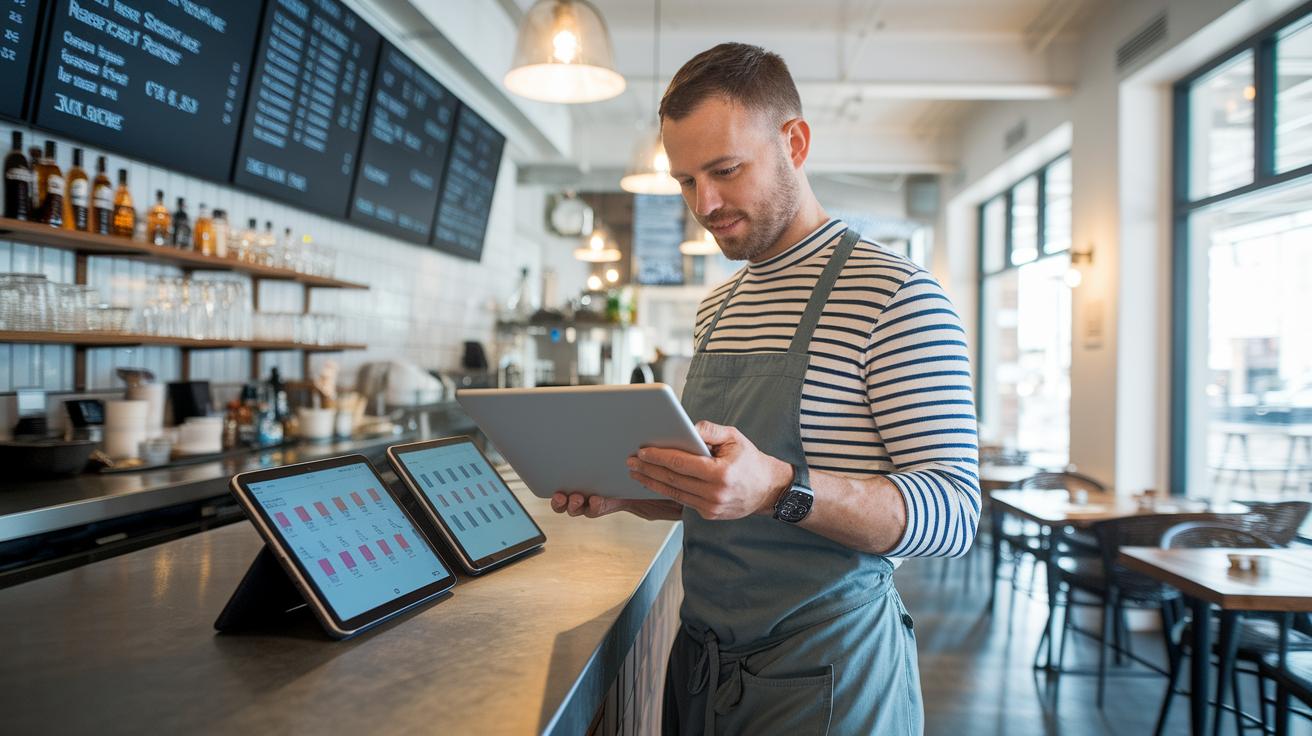
Restaurants need the right digital ordering system to run smoothly. By comparing options side by side, you can easily see how pricing, commission fees, and special features stack up. Here’s a quick look at five platforms that offer different pricing models, commission setups, and main functions.
| Platform | Pricing Model | Commission | Key Feature |
|---|---|---|---|
| Olo | $99 per location/month | 0% commission | Enterprise-grade white-label integration with websites and marketplaces |
| ChowNow | Commission-free monthly plan for single outlets; add-ons extra | 0% commission | Email marketing and loyalty enhancements |
| Cloudwaitress | Free core plan with paid upgrades | 0% commission* | Basic online ordering with limited custom branding |
| Restolabs | 30-day free trial then subscription | 0% commission | Works with over 15 POS systems and offers 24/7 expert support |
| GloriaFood | Free basic plan; pay-per-feature for extras | 0% commission | Quick setup with essential ordering features |
Choosing the best software depends on how well it fits with your current restaurant systems, the ability to keep your brand’s look online, and the support you receive. Checking these features against your needs helps ensure smooth order management and a great digital ordering experience.
restaurant ordering software: Accelerate Order Management
Digital and Mobile Order Interfaces
Digital menus with QR-code ordering let diners scan a code and instantly see an interactive menu updated in real time. Mobile apps let guests order ahead and pay inside the app, so they can place their orders from anywhere. One diner once placed an order through an app before even arriving, which helped ease a busy peak hour. This smooth setup cuts wait times and keeps guests informed every step of the way, forming the backbone of cloud-based order systems.
Kiosk and Table-Side Ordering
Self-service kiosks and tabletop tablets let guests browse, customize, and pay for their meals without needing a staff member to help. Imagine a guest adding an extra side dish using a small tablet while waiting for their main course; it eases busy periods and reduces mix-ups. This method not only speeds up service but also frees staff to focus on offering more personalized attention.
Back-of-House and Data Integrations
Automated kitchen-display systems send orders directly to the right prep station and work seamlessly with a point-of-sale system. This setup ties together loyalty programs, email marketing, and other tools, while data dashboards deliver sales numbers, busy time reports, and stock alerts. With SMS and push notifications, teams can react quickly when things heat up. Overall, this strong back-end system turns raw data and digital orders into clear, actionable steps that keep operations running smoothly.
Pricing Tiers and Cost Considerations for Restaurant Ordering Software
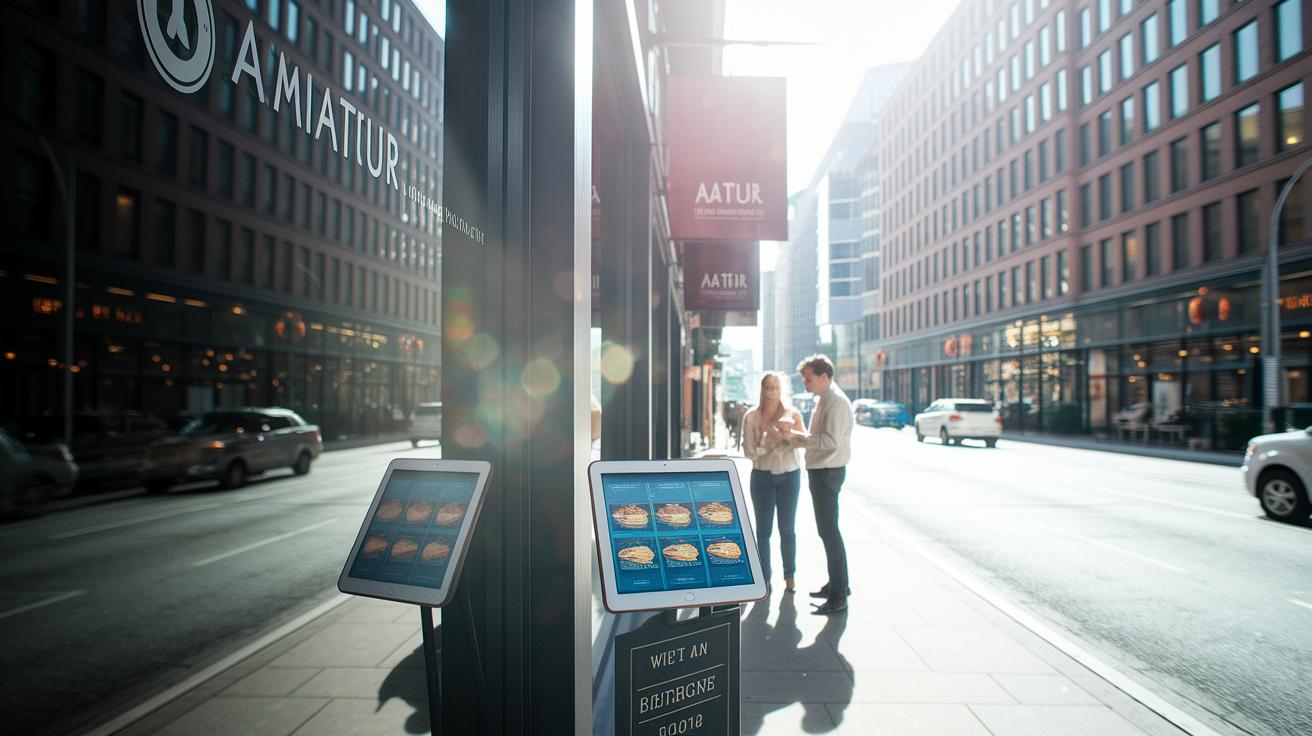
Restaurants choose between a subscription model or paying commissions to manage their digital ordering costs. Some platforms charge a monthly fee that can range from $0 for a basic plan up to $99 per location. Other options may take a commission of up to 12% on delivery orders. When there is no commission fee, you usually get the key features plus 24/7 support. Many services offer a trial period, some let you test the full package for 30 days, while others only offer 7 or 14 days.
Free digital ordering platforms might seem attractive at first, but they usually come with limits. For extra features like payment processing, loyalty programs, or advanced reporting, you often have to pay more. A free plan typically covers the basics, but to build a strong digital presence you might need to spend on extra modules or custom branding. These additional fees can add up over time.
When you look at the total cost, consider factors like the number of locations, any fees from payment gateways, and the extra costs for marketing modules or custom branding. Check if the platform provides solid 24/7 support and offers upgrade options as your business grows. Weigh these details carefully so you can choose a digital ordering solution that fits both your current needs and your plans for the future.
Implementing Restaurant Ordering Software: Step-by-Step Guide
Implementing a new system runs smoother when you plan ahead. An online order management system lets your restaurant digitize your menu, connect your payment services, and train your team for automated orders. Follow these simple steps to get your system up and running fast.
Prepare Your Digital Menu
Start by setting up your online menu with a digital tool. Upload your food items, clear images, and extra options so customers can easily browse their choices. It usually takes 1 to 2 hours. Make sure every dish has a clear description and attractive visuals. A neat menu helps diners decide quickly and cuts down on ordering mistakes.
Integrate POS and Payment Systems
Next, link your point-of-sale system and set up your payment methods. Use API keys (tools that let different software talk to each other) to sync your data and run a few test transactions. This step generally takes one business day, and the payment setup can take 30 minutes to 1 hour. A strong connection between your ordering and payment systems is crucial for smooth and secure transactions.
Train Staff and Launch
Finally, spend some time training your team. Plan on about 4 hours of training that includes running test orders as if they were real. When everyone feels confident with the system, you can go live within 24 hours after setup. With 24/7 support available to help if needed, your restaurant will handle orders quickly while giving customers a better experience.
Real-World Case Studies of Restaurant Ordering Software Success
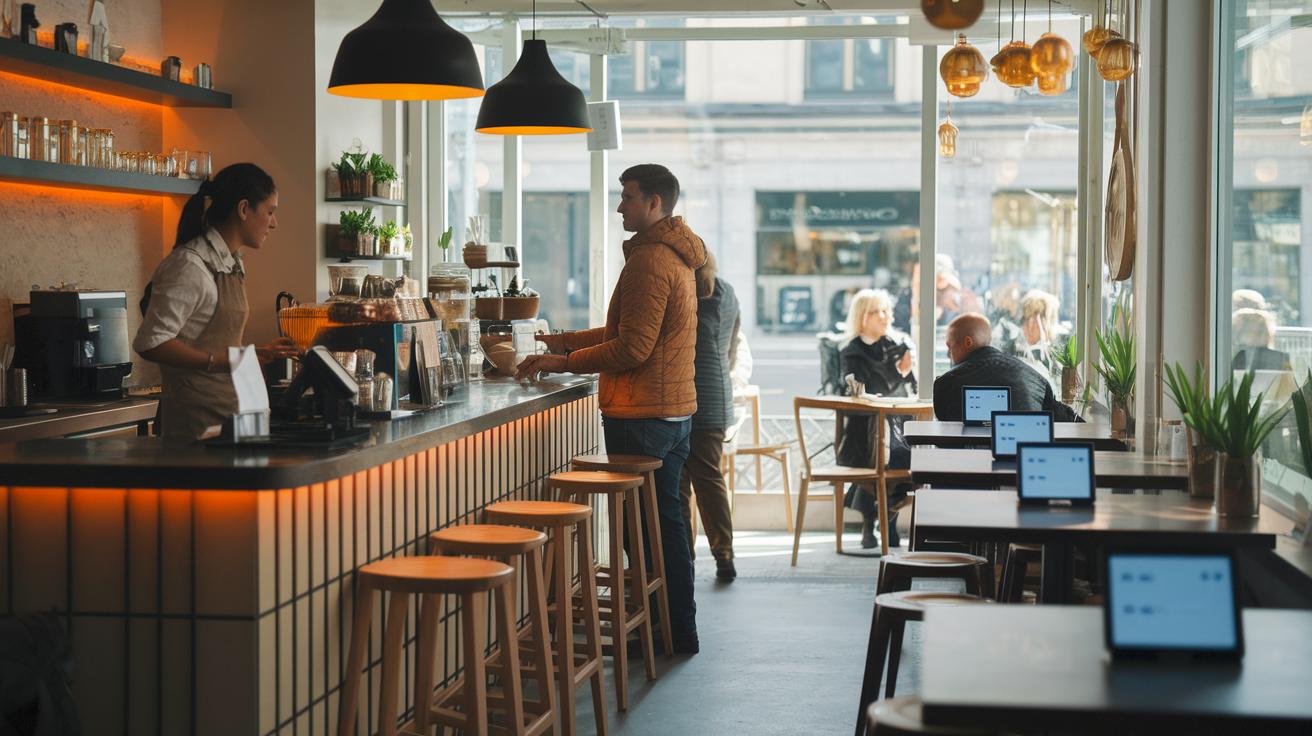
Case studies show how restaurant ordering software can quickly improve daily operations and boost revenue. Real examples reveal that these systems not only speed up service but also help restaurants gather useful customer data, improve order accuracy, and encourage repeat business. Two operators saw notable gains with digital ordering systems, proving that smart order management paired with data-driven insights really pays off.
Case Study: Boutique Café
A small café switching to GloriaFood saw big benefits almost immediately. In just one month, the café turned tables 20% faster and increased the average check size by 15%. Clear menu displays and smoother order taking cut down waiting times and helped guests decide faster. With order accuracy reaching 98% and stronger customer loyalty built through smart data capture, the café became more efficient and successful.
Case Study: Multi-Location Bistro
Another story comes from a bistro with multiple locations that used Restolabs to grow its business. By cutting out the usual 12% delivery fee, the bistro boosted revenue by 25% and increased repeat orders by 30%. Integrating with different point-of-sale systems ensured orders flowed easily between outlets. Using data to fine-tune their service, every order was handled precisely, leading to happier guests and long-term customer engagement.
Emerging Trends in Restaurant Ordering Software
Smart chatbots and voice tools are changing the way we order food. More restaurants let you order by speaking or typing into an app. Pre-order and order-ahead options mean you can plan your meal during quieter times. For example, you might order lunch on your phone at home so it’s ready when you arrive. This system cuts wait times and offers a convenient, contactless service that diners enjoy. Plus, these tools understand what you say clearly, reducing mistakes and even suggesting favorites based on your past orders.
Some restaurants use table beacons that send a quick signal to the server when you need a refill or when your meal is almost done. Integration with delivery services makes ordering even more flexible. API connections also let restaurant systems talk easily with other platforms, giving you more ways to order. Advanced analytics predict busy times and even adjust menu suggestions to match your tastes. This smart order technology turns live data into useful alerts, helping restaurants manage their service better for a smooth, omnichannel experience.
Final Words
In the action, restaurant ordering software stands out as a game-changing tool for boosting efficiency. The article covered key elements like digital menus, seamless POS integration, and real-life success stories that drove faster service and higher check averages.
We also compared leading platforms, detailed implementation steps, and looked at emerging trends shaping the future of food service. Embracing these tools can simplify operations and empower smart decision-making for a more profitable tomorrow.
FAQ
What free online ordering systems are available for restaurants and small businesses?
The free online ordering system offers a basic order management solution with digital menus, table ordering, and direct customer data capture without commission fees, making it ideal for restaurants and small businesses.
What is GloriaFood ordering system and is it free?
The GloriaFood ordering system is a digital platform that offers a free basic program, allowing restaurants to take orders online while offering paid add-ons for enhanced features like advanced analytics and payment gateway integration.
What systems do restaurants typically use to take orders?
Restaurants typically use digital ordering software that integrates with point-of-sale systems, kitchen displays, and mobile apps to streamline order taking, process payments efficiently, and capture customer data.
What software do most restaurants use for order taking?
Most restaurants rely on digital ordering platforms that provide real-time order tracking, seamless integration with in-house systems, and tools to manage loyalty programs, ensuring efficient operations and improved service accuracy.
What is the 30 30 30 rule for restaurants?
The 30 30 30 rule describes a quick setup framework, emphasizing rapid digital menu setup, fast POS integration, and concise staff training sessions to ensure the ordering system launches efficiently and operates smoothly.
What is the best restaurant scheduling software?
The best restaurant scheduling software simplifies staff management, optimizes shift planning, and often integrates with digital ordering systems, helping managers boost operational efficiency and support team organization.
What are the benefits of a POS system with online ordering?
A POS system with online ordering unifies in-house and online transactions into one platform, streamlining order management, speeding up service, reducing errors, and improving overall customer experience.
What features make an online ordering platform suitable for small businesses?
An online ordering platform for small businesses offers an easy setup, free basic plans, branded digital menus, and seamless payment integration, helping entrepreneurs manage orders cost-effectively and efficiently.
What is a food truck ordering system and how does it work?
A food truck ordering system is designed to support mobile vendors by offering contactless order entry, mobile payment processing, and real-time order updates, making it easier to serve customers quickly on the go.