

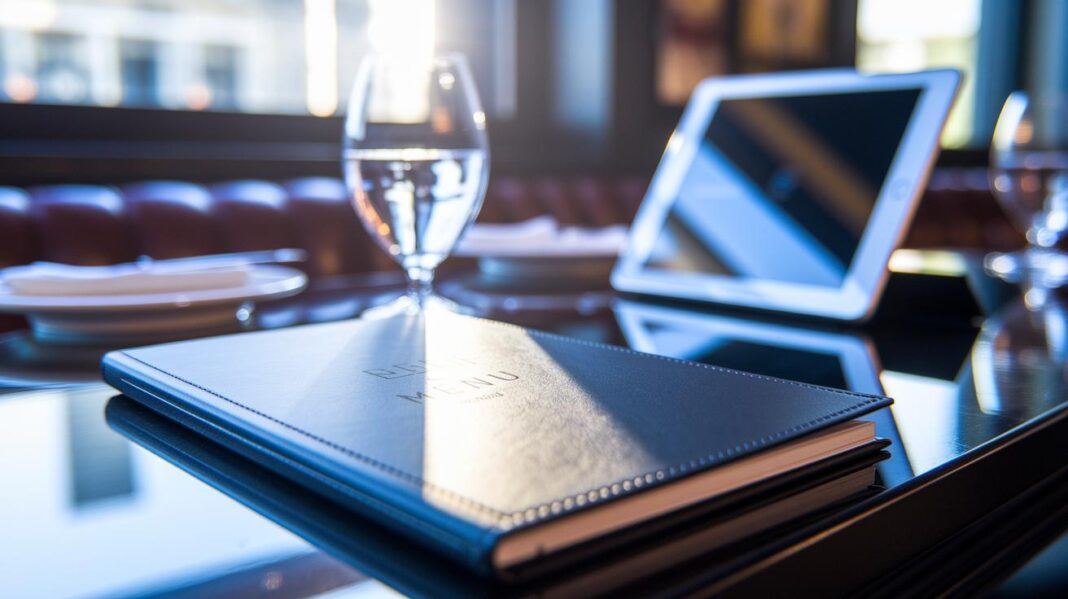

Have you ever noticed that a restaurant menu can do more than just list dishes? A smart design can boost profits by 15% and even raise the average bill by 12%. Clear layouts, easy-to-read fonts, and simple designs show off your restaurant's style while guiding diners from appetizer to dessert. In this article, we share a few simple tweaks that can turn an ordinary menu into a stylish display of your brand and boost your profit. Let’s dive in and see how a refined menu design can work for you.
Essential Tips for Effective Restaurant Menu Design
A menu that is designed with care not only echoes your brand's style but can also lift your profits by 10-15%. Begin by looking at your restaurant's numbers, sales trends, and even your competitors' menus. Ask yourself, "How does my menu show off our personality?" For example, one restaurant saw a 12% increase in the bill average after they cleared away clutter and removed dollar signs.
Plan your menu to follow the natural flow of a meal. Start with appetizers, move on to salads, then main courses, and finish with desserts. This order makes it easy for guests to follow and enjoy their dining experience. You might also consider using a trick called the Golden Triangle. Highlight a few standout dishes with a simple box or a different background color to guide your customers' eyes toward the items that give you the best return.
Choosing easy-to-read fonts is key. Stick to a clean typeface for the main text and pick a distinctive one for headings. When the same style appears on both your digital and printed menus, it builds a strong, unified look for your restaurant.
Color also plays a big role in how people perceive your menu. Warm colors like red or yellow can spark an appetite and bring a friendly feel, while keeping the design elegant. Removing distracting elements like dollar signs and capping the number of options can help guests make decisions without feeling overwhelmed.
Embracing these simple, practical tips can turn your menu into a powerful tool that showcases your restaurant’s unique style and drives better results.
Strategic Layout and Hierarchy in Restaurant Menu Design
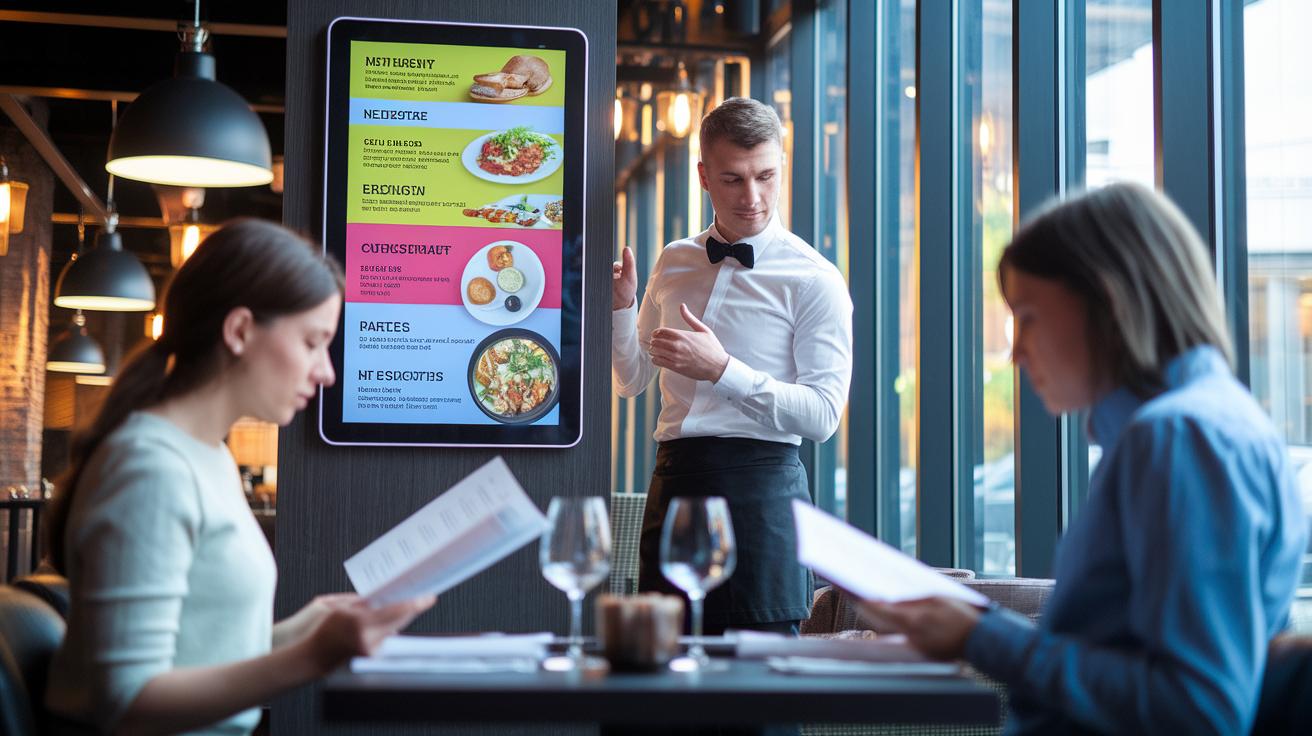
Most guides talk about a meal's natural flow, but digital menus let you spice things up. Restaurants can add interactive callouts and lively sections that shine a light on high-margin dishes. For example, a digital menu might show a fun fact like "Menus with animated callouts can boost featured dish orders by 10%." This trick uses a method similar to the Golden Triangle rule (a design tip that places the most important items where your eyes naturally go).
Digital menus can also adjust on the fly. One local restaurant used clickable boxes and extra white space to make the menu easy to read and fun to use. A smooth layout that lets diners tap through different sections can encourage them to try pricier dishes.
Digital platforms even allow for some personal flair. Smart designs can change based on the time of day or a guest’s past orders. This means each visitor gets a menu tailored just for them, while still keeping it simple and easy to scan for quick, informed choices.
Typography and Readability Optimization for Restaurant Menus
Typography acts like a quiet salesperson in your restaurant. A menu that draws you in depends on choosing easy-to-read fonts. If the text is too small or poorly matched, you miss a chance to engage your guests. For example, menus with clear, contrasting fonts can nudge more customers to try featured items.
A strong contrast between the text and its background makes every word pop. Pick fonts that offer both style and function. While decorative options might catch the eye, they often reduce clarity when used for the main text. Instead, stick to straightforward, classic typefaces for your menu items and reserve creative styles for headings. Keeping the same font sizes, spacing, and alignment creates a neat, easy-to-read layout.
Try these layout tweaks:
- Align the text uniformly to guide the eye.
- Use steady line spacing to keep the look uncluttered.
- Combine bold headings with lighter body text to highlight special offers.
Also, add extra white space around key sections to avoid visual clutter. A clear, well-spaced menu serves as an inviting guide, helping everyone quickly locate their favorite dishes. This smart design not only enhances the dining experience but can also boost your restaurant's sales.
restaurant menu design: Radiate chic appeal

Use color to give your menu a warm, welcoming vibe. A bright, sunny yellow can spark the appetite and bring cheerful energy to your layout. Take Chick-a-Biddy, for example. They use a warm color scheme that makes every dish feel inviting. Simple design touches like accent colors or subtle boxes point out top sellers without fuss.
A good menu often features one high-quality photo per page. Studies show that one standout image can boost sales up to 30% by highlighting a dish's unique details without overwhelming diners. Imagine a nicely taken picture of a savory pasta dish, reminding you of its buttery texture and rich aroma. It sets the mood for a great meal.
Keep your layout clean and simple. Too many pictures or mixed visuals can distract from what matters most. A clear design lets your colors and images shine together. For example, using a colored box behind your signature dish name naturally draws the eye.
Here are some actionable tips:
- Pick a warm background color to keep the tone friendly.
- Feature one crisp, high-quality image per page.
- Use accent colors sparingly to highlight special items.
Start with a surprising fact: "Menus that feature a single high-quality image per page see a dramatic jump in sales, proving that less is more." This smart mix of color theory and selective imagery will help your restaurant menu capture attention and guide diners to their next delicious choice.
Digital and Interactive Restaurant Menu Design Techniques
Digital menus need to work well on both mobile and desktop devices. A responsive design adjusts the layout to any screen size so diners can easily see your offerings whether they are at home or on the move. Imagine a menu that smoothly changes its look when you rotate your phone. It feels like the menu is designed just for your view.
Add QR codes to allow contactless ordering. When guests scan a code with their smartphone, they quickly access your menu. This method makes dining safer and speeds up the ordering process. One simple trick is to put a QR code on every table so customers can start ordering right away.
Interactive touchscreens in busy settings let visitors explore the menu with dynamic pictures. These displays showcase promotions and let you switch between sections with one tap. Picture tapping a dish’s image to learn its ingredients and see customer ratings. It turns ordering into a fun, hands-on experience.
Keep your digital menu up to date by syncing it with your POS system. This way, changes in inventory and prices show up immediately. Constant updates help avoid mistakes and make sure customers only see what is available.
- Use responsive web interfaces for clear viewing on any device.
- Add QR codes for fast and contactless access.
- Incorporate interactive touchscreens in high-traffic areas.
- Sync menu updates with your POS system to ensure real-time accuracy.
Digital menu techniques are changing the way people order food. They create an easy, engaging, and efficient ordering process that benefits both restaurants and their guests, paving the way for a modern dining experience.
Tools, Templates, and Professional Services for Restaurant Menu Design

Restaurant owners can choose from five online DIY tools that let you build your menu with ease. These tools offer free templates and easy options to change lists, logos, and branding. They help you create a clear menu layout, making sure every dish stands out. One tool even uses a simple drag-and-drop setup so you can play with font sizes and spacing. This makes your menu easy to read on any screen.
On the professional side, consulting services bring added expertise. With support from over 2,000 global projects, these consultants offer advice on how to best organize your menu, use profit calculators, and get detailed business reports. Their guidance has been known to boost profits by 10% to 15%. Many even sync their work with your POS system so your printed and online menus stay up-to-date.
Consider these actionable ideas:
- Check out DIY platforms that offer free template downloads and flexible design options.
- Look into expert services for custom menu engineering and smart branding ideas.
- Use profit calculators and reports to fine-tune your pricing.
This mix of DIY software and professional advice offers a balanced approach. You can design a great-looking menu on your own, while experts help refine the overall strategy with data-driven insights. Using both options can give you an easy-to-manage and well-branded restaurant menu.
Final Words
In the action of refining your restaurant menu design, every detail matters. We explored key layout strategies, clear typography, enticing color choices, and digital features that boost sales. Practical tips guide you from recipe inspiration to financial gains while ensuring a smooth, user-friendly dining experience. Simple tweaks in design can boost profit margins and foster brand consistency. From hands-on templates to interactive ordering setups, each insight empowers you to make smart, creative decisions with confidence. Enjoy the creative process and watch your menu make a positive impact.
FAQ
How do I design my restaurant menu?
Designing your restaurant menu involves planning your layout based on dining flow, applying clear typography, and using visual hierarchy to guide customers toward profitable dishes.
What restaurant menu design templates are available?
Free and downloadable designs exist in various formats like PDFs and digital templates. These options cater to different cuisines and brand styles, making it easier to achieve a refined, effective menu layout.
What is the free app for menu design?
The free app for menu design offers simple DIY tools with customizable templates, enabling you to create an engaging menu without extensive design experience.
What are the 7 parts of a menu?
The seven parts of a menu typically include appetizers, salads, entrées, desserts, beverages, specials, and sides. This structure helps direct guest choices and promote star dishes.
What is the best layout for a menu?
The best menu layout organizes items by dining order, uses clear categorization, and employs design tricks like the Golden Triangle rule to naturally draw attention to high-margin items.